Integrations & data
Mobile CRM: work leads from anywhere
What a mobile CRM should do for reps in the field: fast lead capture, calls and texts on the record, sensible notifications, offline expectations and security.

Key takeaways
- A mobile CRM should make the five things reps do between jobs fast: look up a contact, log a call or note, reply to a message, check the calendar and add a follow-up.
- Notifications should be few and actionable: new assigned leads, replies from customers and tasks due, not every field change.
- Ask exactly what works offline before you buy; many apps can show cached records but need a connection to send messages or sync changes.
- Phones get lost, so require a screen lock, use roles to limit what each person can see, and have a plan to cut off access quickly.
- Exa's iOS and Android apps are coming soon; they aren't available yet.
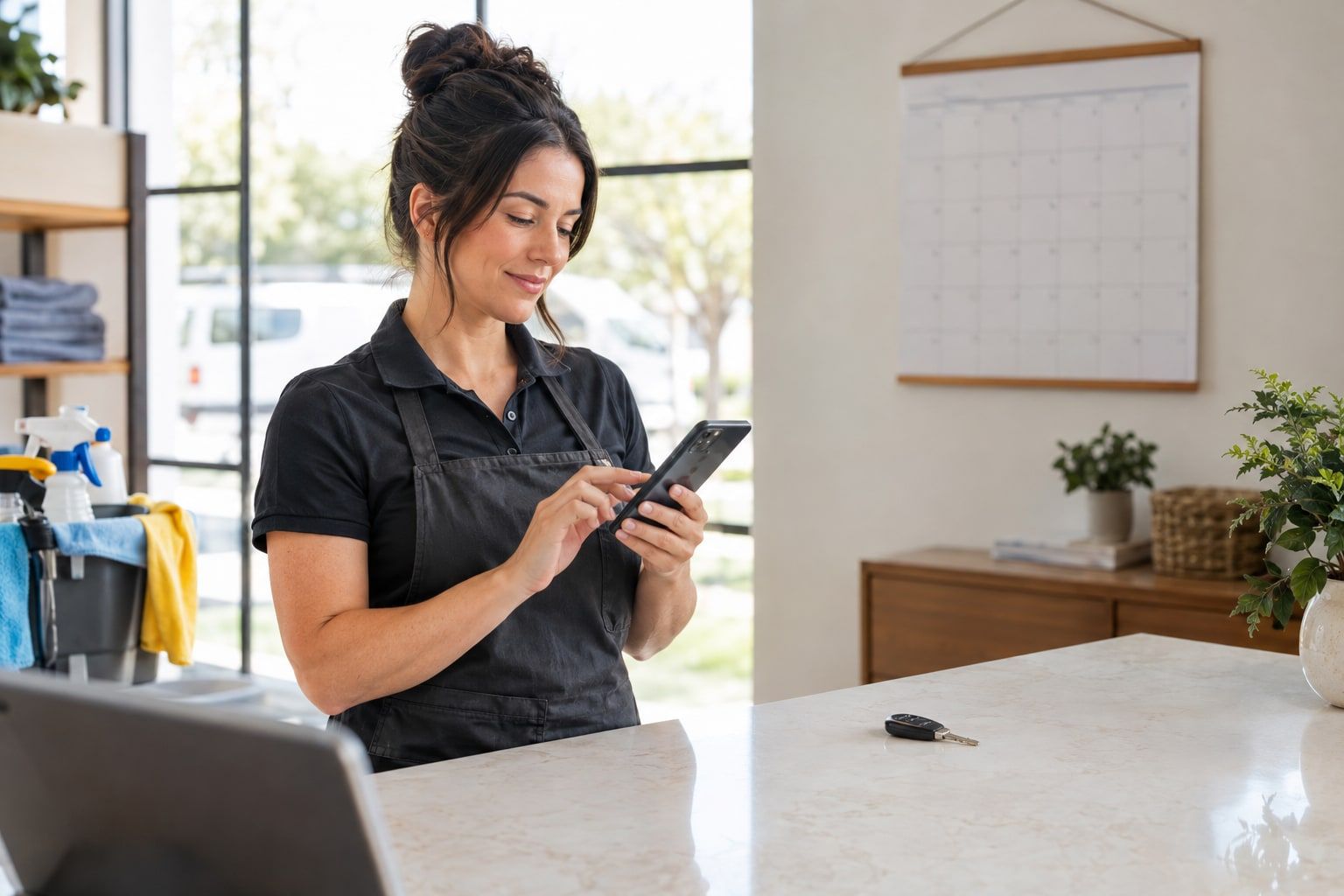
Most selling in small businesses doesn’t happen at a desk. Contractors estimate on driveways, realtors work between showings, lawn care owners quote from the truck, and closers take calls wherever they are. If the CRM only works on a laptop, the notes get written “later,” which often means never.
This guide covers what a mobile CRM should actually do for people in the field, what to expect (and not expect) from offline mode, how to set up notifications that help instead of nag, and the security basics for customer data on phones. A quick note up front: Exa’s iOS and Android apps are coming soon and aren’t available yet. We cover what Exa does today at the end.
Why mobile matters for small sales teams
Your customers are on their phones, and so are you. In a 2026 Pew Research Center survey of 5,511 US adults, 91% owned a smartphone, and 16% were “smartphone-only” internet users, meaning they have a smartphone but no home broadband (Pew Research Center).
For a sales team, mobile access matters because the useful moments are short and happen away from the desk:
- The two minutes after leaving a site visit, when you remember every detail.
- The red light where you see a lead’s reply and want to answer.
- The parking lot before an appointment, when you need the customer’s history.
- The evening when a homeowner asks “Can you come Thursday instead?”
Capture those moments on the record and your CRM stays current. Miss them and you’re back to sticky notes and memory.
What a mobile CRM should do in the field
Don’t judge a mobile CRM by how many desktop features it squeezes in. Judge it by how fast it handles the jobs reps actually do on a phone.
| Job | What good looks like |
|---|---|
| Look up a contact | Search by name, phone or address; see the timeline, open deals and last message in one screen |
| Capture a new lead | A short form: name, phone, source, note; enrich it later at a desk |
| Log a call or visit | One tap to add a note; ideally the call is logged automatically |
| Reply to messages | Text, WhatsApp and email replies on the contact’s thread, with templates |
| Check today’s schedule | Appointments with addresses and one-tap directions |
| Add a follow-up | A task with a due date and reminder, created in seconds |
| Move a deal | Change stage or mark won/lost without hunting through menus |
| Send a quote | Share a link to a quote the customer can review and accept |
If a rep can’t do the top five in under a minute each, standing in a driveway, they won’t.
Keep data entry short
Mobile screens punish long forms. Set up your CRM so the mobile essentials are few: a contact’s name, number, source and one note. Everything else (company, custom fields, tags) can be filled in later. A complete record entered at 6 p.m. is worth less than a short one entered on the spot.
Industry examples
- Contractors and home services: look up the job, review photos the customer texted, add measurements as a note, schedule the follow-up estimate.
- Realtors: check a buyer’s must-haves between showings, log feedback right after each property, reply to the seller’s agent.
- High-ticket closers: review the lead’s answers before a call, log the outcome and next step immediately after.
- Agencies: answer a client’s quick question from a phone, then create a task for the team.
Offline expectations
Mobile signal is unreliable in basements, rural properties and new developments. Before you rely on any mobile CRM, ask the vendor exactly what works without a connection:
- Viewing: Can you see recently opened contacts and today’s appointments offline?
- Drafting: Can you write a note or create a task offline, and does it sync when signal returns?
- Sending: Messages generally need a connection. Does the app queue them, or fail and tell you?
- Conflicts: If you edit a record offline while a teammate edits it online, which change wins?
The honest answer for many apps is “partial offline.” That’s fine if you know the limits. A simple habit helps: open the day’s appointments while you have signal, so they’re cached before you head out.
Notifications that help
Too many notifications and reps mute them all. Too few and leads wait. Start with a short list:
| Notify | Why |
|---|---|
| A new lead is assigned to you | Speed to first contact matters most |
| A customer replies to you | Conversations go cold fast |
| A task or follow-up is due | Reminders are the point of a CRM |
| An appointment is coming up | Time to travel and prepare |
| A quote is accepted | Move fast while they’re ready |
Skip notifications for record edits, other reps’ activity and anything a manager can review in a daily report. Respect off-hours too: reps should be able to set their own notification hours.
Security for customer data on phones
Phones get lost, stolen and left in trucks. NIST’s guidance on enterprise mobile devices notes that mobile devices “are now permanent fixtures in enterprises” and are used to “process sensitive data,” and it covers both company-provided and personally owned devices (NIST SP 800-124 Rev. 2). The FTC’s guide to protecting personal information boils data security down to five principles: take stock, scale down, lock it, pitch it and plan ahead (FTC).
For a small team, that translates to:
- Lock the device. Require a screen lock and biometrics on any phone that opens the CRM.
- Keep only what you need. The FTC suggests assessing whether sensitive information really needs to be stored on a portable device. Prefer apps that keep data on the server rather than exporting spreadsheets to phones.
- Limit access by role. Reps should see their own and unassigned records, not the whole database. See CRM roles and permissions.
- Use strong sign-in. The FTC recommends considering multi-factor authentication.
- Plan for a lost phone or a departure. Know how to deactivate a user immediately, and require staff to report lost devices right away, as the FTC advises for laptops.
- Keep business messaging off personal apps. Texts and WhatsApp chats on a personal phone leave the business when the employee does.
Choosing a mobile CRM: a short checklist
- Does it do the five field jobs (look up, capture, log, reply, schedule) quickly?
- Are calls, texts, WhatsApp and email on the same contact record?
- What exactly works offline?
- Can each rep control notifications?
- Do roles and permissions apply on mobile the same way as on desktop?
- Can you remove a user’s access instantly?
How Exa helps
Exa’s iOS and Android apps are coming soon; they aren’t available yet. Until they launch, a few parts of Exa already reach your phone:
- Your calendar: Exa’s two-way Google Calendar sync and private ICS feed (for Apple Calendar, Outlook and others) put Exa appointments in the calendar app you already use. Tasks have due dates and reminders, and appointments are protected against double-booking.
- Calls you can’t take: Exa’s AI receptionist can answer inbound calls, qualify leads, check availability and book appointments, then save the transcript, recording and summary to the lead’s timeline.
- Quotes on the customer’s phone: quotes can be sent by email, SMS or WhatsApp, and customers open a hosted page to view, download the PDF and accept with a typed-name e-signature.
On security, Exa uses five roles (owner, admin, manager, rep and viewer), and reps see only records they own or that are unassigned. Integration credentials and calendar tokens are encrypted at rest, and audit logs record changes with the user, IP and user agent. See security for details.
Final thoughts
A good mobile CRM isn’t a shrunken desktop app. It’s a fast way to do five things between jobs, with notifications you trust and security that assumes a phone will eventually go missing.
Whatever tool you use, the habit matters more than the app: log it while you’re still in the driveway. While Exa’s mobile apps are on the way, keep your calendar synced and let the AI receptionist catch the calls you can’t.
Try it with your own leads
Exa puts leads, pipeline, inbox and an AI assistant in one simple app.
Sources
FAQ
Frequently asked questions
Short answers to the questions we hear most about this topic.
Still have questions?
Start a free trial and see Exa with your own leads and pipeline, or email our team.
What is a mobile CRM?
A mobile CRM is a CRM you can use from a phone or tablet, usually through a native app. It lets reps look up customers, log activity, reply to messages and manage tasks without going back to a desk.
Does Exa have a mobile app?
Not yet. Exa's iOS and Android apps are coming soon. In the meantime, Exa's two-way Google Calendar sync and private ICS feed put your appointments on your phone's calendar.
Should a mobile CRM work offline?
Ideally it should at least show recently viewed records and let you draft notes without signal. Sending messages and syncing changes generally needs a connection, so ask any vendor exactly what works offline and how conflicts are handled.
Is it safe to keep customer data on a phone?
It can be, with the right controls: a screen lock, an up-to-date operating system, role-based access so each person only sees what they need, and a way to remove access quickly if a phone is lost or someone leaves.
Should reps text customers from their personal phones?
It's better if business texts go through a shared business number connected to your CRM. That keeps the conversation on the customer record, visible to the team, and subject to the same opt-out checks as every other message.
Recommended reading
Appointment scheduling for sales teams
How to set up booking flows, availability slots, calendar sync and reminders so sales appointments get booked fast, never overlap and actually happen.
7 min readRead
CRM roles and permissions: who should see what
How to design CRM roles, set record ownership and visibility, apply least privilege, offboard people safely and use audit logs to see who changed what.
7 min readRead
Sales task management: never miss a follow-up
How to manage sales tasks: task types, priorities, due dates and reminders, a daily routine, overdue triage and automating tasks from CRM events.
7 min readRead
AI receptionist: answer every call, qualify and book
How AI voice receptionists work, what they handle well, scripts and qualification questions, disclosure and recording consent, and handoff to people.
7 min readRead